
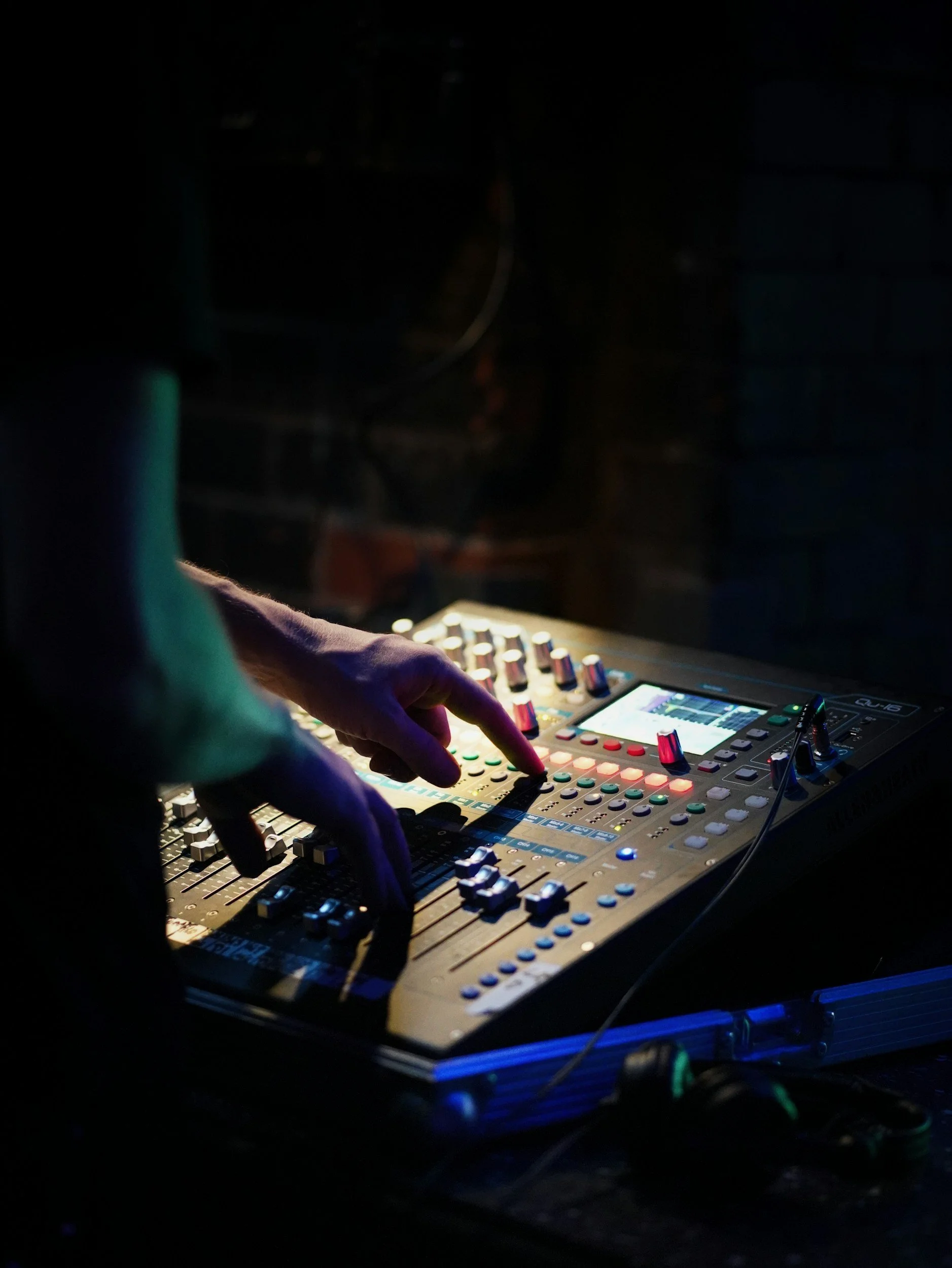
Weekend Sound tech Bootcamp
Train your volunteers to run clear, consistent sound every weekend
If your church or small venue relies on non-technical volunteers, you know how hit-or-miss the sound can be. This on-demand Bootcamp gives your team a simple, repeatable system for great sound – using the gear you already own.
Does this sound familiar?
You’re in the right place if:
Some weeks the mix sounds decent… and other weeks it’s a train wreck.
Feedback pops up out of nowhere and nobody’s sure what changed.
Volunteers are willing, but they’re guessing at what the knobs actually do.
You’ve thought more than once, “Maybe we just need a new mixer?”
You feel stuck between buying more gear and asking the same 2 people to run sound forever.
If that’s you, this Bootcamp is built to take you from “we’re winging it” to “we’ve got a system.”
What your team will be able to do after the Bootcamp
By the end of Weekend Sound Tech Bootcamp, your volunteers will:
Set proper gain staging so the system isn’t constantly on the edge of clipping.
Use EQ and compression to clean up muddy mixes and harsh vocals.
Run monitor mixes without endless feedback battles.
Navigate a digital mixer with confidence – scenes, routing, and basic processing.
Follow a repeatable soundcheck workflow every service instead of starting from scratch.
Troubleshoot the most common “no sound / weird sound” problems without panicking.
No fluff, no tech jargon for its own sake – just the stuff that actually matters on a Sunday morning or show night.
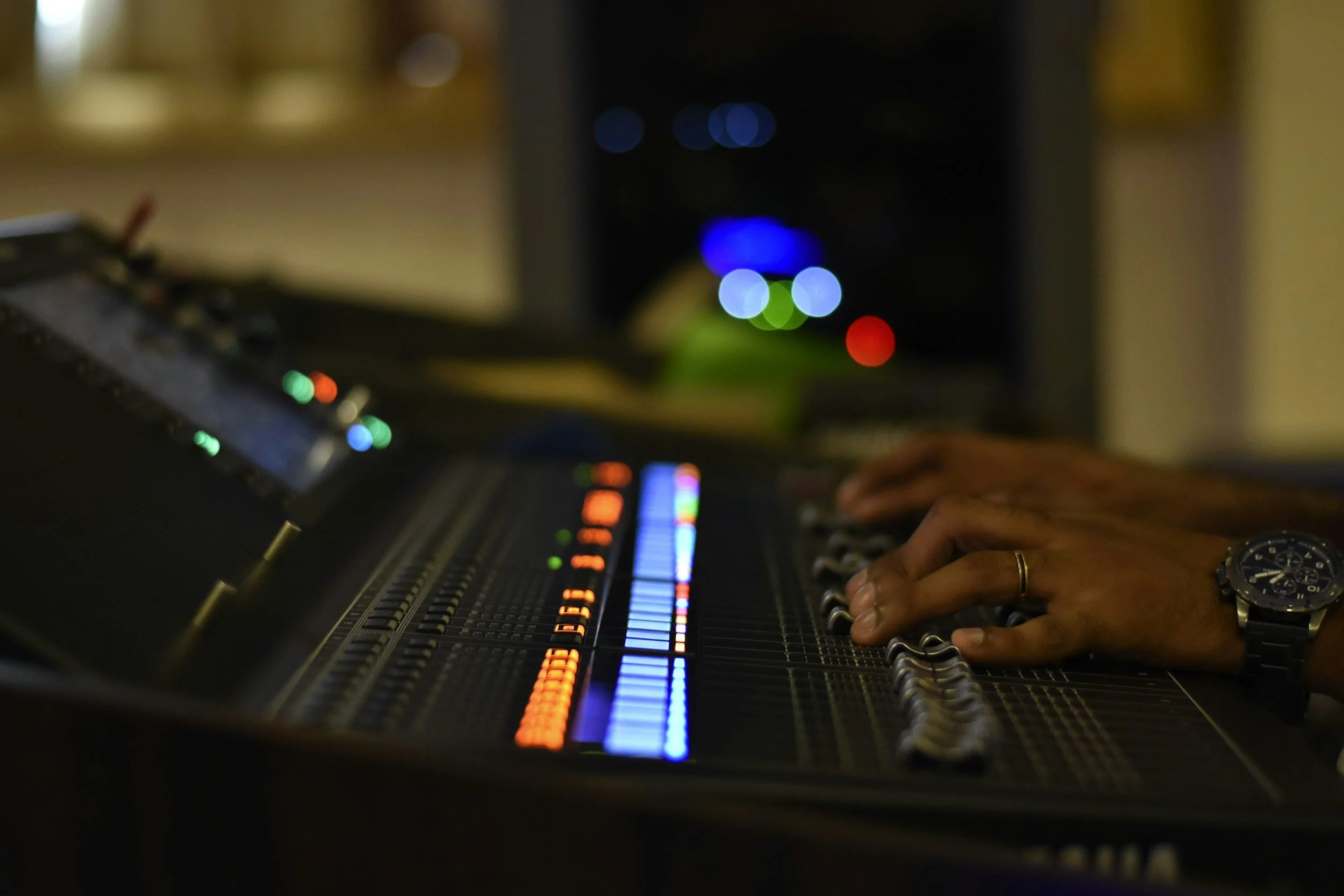
What’s inside Weekend Sound Tech Bootcamp
Module 1 – Signal Flow & Gain Staging
Mic → cable → mixer → speakers: what actually happens to the signal
How to set input gain on vocals, guitars, keys, drums
How to use meters and PFL/solo correctly
How to stop running the system in the red
Downloads: Signal Flow Diagram, Gain Staging Cheat Sheet
Module 4 – Digital Mixers & Scenes
Analog vs digital – what’s the same, what’s different
Navigation basics on a typical digital desk (layers, banks, EQ/comp pages)
How to build and save a “Sunday Morning” starting scene
Common routing mistakes and how to quickly track them down
Downloads: Digital Mixer Button Map, Sunday Scene Layout Template
Module 5 – Building a Repeatable Soundcheck
Pre-rehearsal prep: cables, labels, batteries, stage layout
How to run a line check that actually catches problems
A simple order of operations to build a mix in 20–30 minutes
Recording the service for later review and training
Downloads: Pre-Service Checklist, Input List + Stage Plot Templates
Module 0 – Quick Start: “You’re Mixing This Weekend”
Simple tour of a basic live sound system
The 10-minute pre-service check
“If this breaks, check these 3 things” emergency guide
Module 2 – EQ & Compression Made Simple
What EQ really does (in plain language)
Starting EQ moves for vocals, guitars, bass, keys, drums
How to fix mud, harshness, and boxiness
Basic compression for vocals and bass – without killing the dynamics
Downloads: EQ Frequency Cheat Sheet, Vocal & Band Starter Settings
Module 3 – Monitors, Feedback & Stage Volume
How monitor sends, auxes and buses actually work
Pre-fader vs post-fader in simple terms
How to ring out wedges and stop feedback cycles
How to talk to musicians about stage volume without a war
Downloads: Monitor Setup Checklist, Feedback Fix Flowchart
Module 6 – Troubleshooting & Real-World Scenarios
What to do when there’s no sound at all
What to do when a single mic or instrument dies mid-service
How to quickly clean up a messy mix under pressure
Real-world scenario walk-throughs: “here’s what I’d check first, second, third”
Downloads: “Oh Crap” Troubleshooting Guide, Printable Flow Charts
Bonuses Included
Bonus 1 – Volunteer Training Packet (for pastors & leaders)
A short, plain-language PDF you can hand to pastors, band leaders, and volunteers that explains what a sound tech actually needs to succeed – and how to stop treating them like button-pushers.
Bonus 2 – Quarterly System Health Check Guide
A simple checklist for doing regular “tune-ups” on your system: cables, mics, speakers, firmware, backups, and more.
Bonus 3 – Recommended Gear Lists
Curated gear suggestions for different budgets, so you’re not guessing:
Starter church rig (budget option)
Sensible upgrade path from analog to digital
Wireless options that actually hold up in real use
Who this Bootcamp is for (and who it’s not for)
For:
Churches with rotating volunteer sound techs
Small venues, clubs, and community theaters
Worship leaders who end up behind the console by default
Anyone who’s learned “on the job” and wants a solid foundation
Not for:
Touring engineers looking for advanced mixing tricks
People who want a deep dive into studio production
Anyone expecting the course to magically fix a completely broken system with no effort
The goal is not to turn your volunteers into rock-star engineers – it’s to give them enough skill and structure to deliver reliable, clear sound every week
Meet Your Instructor
I’m George Powell, owner of GP Audio LLC. I’ve spent over 30 years running live sound, supplying production, and installing systems for festivals, churches, clubs, schools, and special events across the region.
I’ve:
Mixed and supplied production for national and regional acts
Designed and installed systems for churches and venues with real-world constraints
Trained countless volunteers, staff, and “the guy who got handed sound by accident”
This Bootcamp is everything I wish I could download directly into a new volunteer’s brain – without having to burn every Sunday training from scratch.
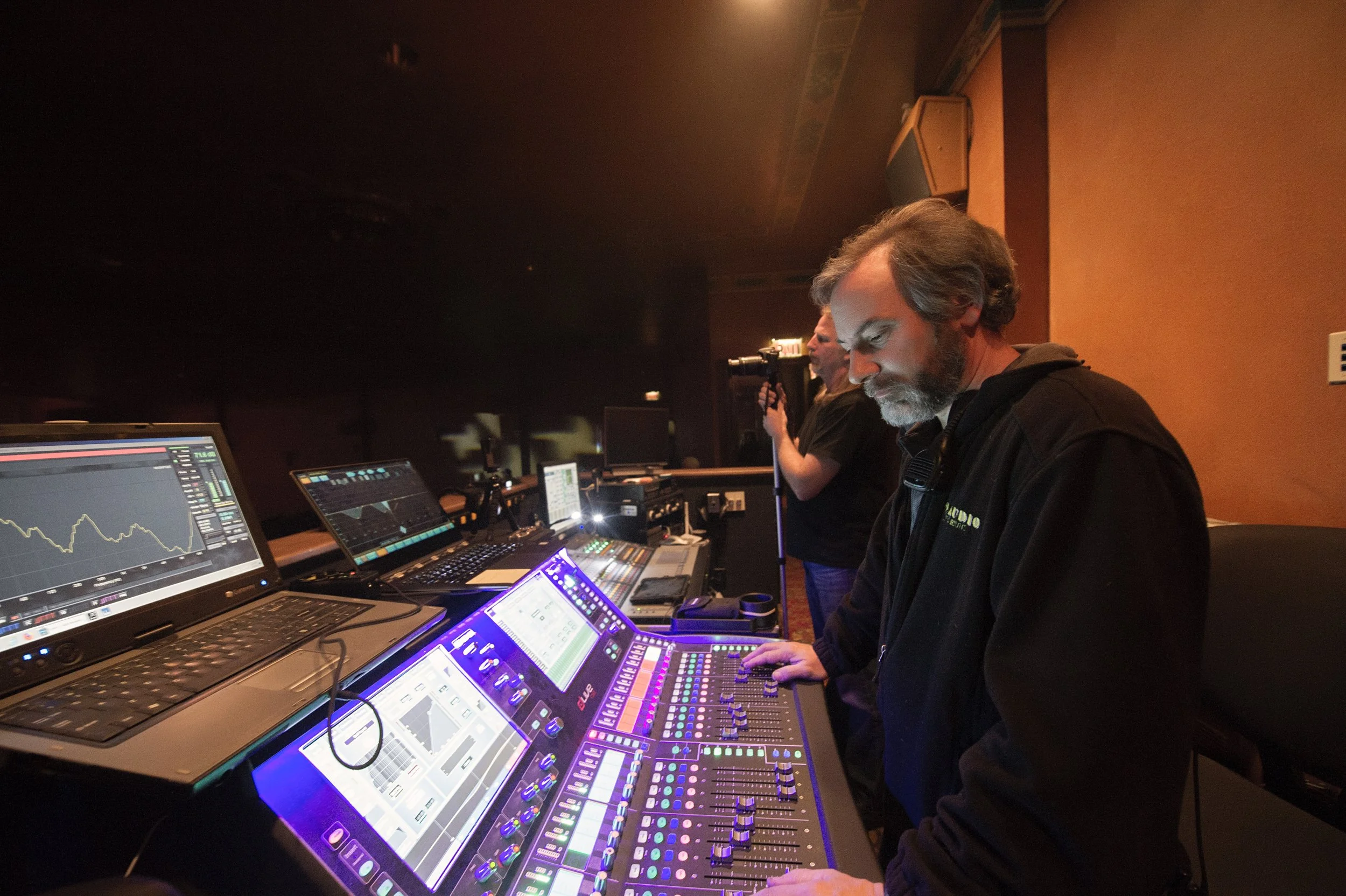
How the Bootcamp Works
Format: Pre-recorded video lessons + downloadable PDFs and checklists
Length: Around 5–7 hours of training, broken into short, focused lessons
Access: On-demand, online, available 24/7 from any device
Usage: Buy it once and train as many volunteers at your church or venue as you like
Pace: Your team can binge it in a weekend or work through it over a few weeks
You don’t need fancy software or new gear. If you’ve got a basic PA and a mixer, this will help.
Enroll today
Weekend Sound Tech Bootcamp
Lifetime access for your church or venue: $247
(Price placeholder – change to your actual price)
You get:
All 7 modules (including Quick Start)
All checklists, diagrams, and templates
All bonuses
Future updates to the course included
Guarantee (optional but smart):
30-Day “This Isn’t Helping” Guarantee
Go through the Bootcamp with your team for up to 30 days. If you honestly feel it’s not helping you get more consistent, predictable sound, email me and I’ll refund your purchase. No drama.
Q and A
-
Most teams can get through the core content in 4–6 weeks by doing one module per week. Some will binge it in a weekend, others will spread it out over a few months. You get lifetime access. text goes here
-
DescriptionYes. One purchase covers your entire church or venue. You can train as many volunteers as you want. text goes here
-
Every mixer looks a little different, but the principles are the same. I focus on concepts and workflows that translate to almost any modern console – analog or digital.
-
No. The Bootcamp is designed to help you get the most out of what you already have. If you want gear recommendations, you’ll get clear suggestions inside the course – but it’s not required.
-
No. The examples lean heavily toward church scenarios because that’s where many volunteers are, but everything applies to small venues, clubs, schools, and theaters too.
-
Yes. The Bootcamp is specifically designed for non-technical volunteers. No engineering degree required – just a willingness to learn and a bit of patience.
-
Right after you enroll, you’ll receive an email with login details to the online course area. Your team can log in from any modern device with internet access.
Ready to stop guessing at the soundboard?
Give your volunteers a clear, repeatable system so every Sunday – or show night – doesn’t feel like a roll of the dice.